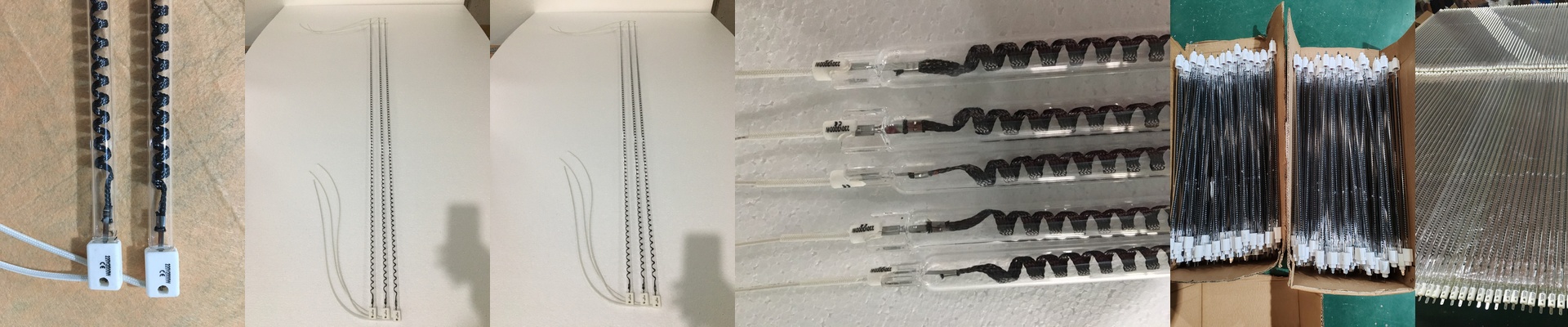
Stop Guessing Where Your Curing Oven Lamps Go
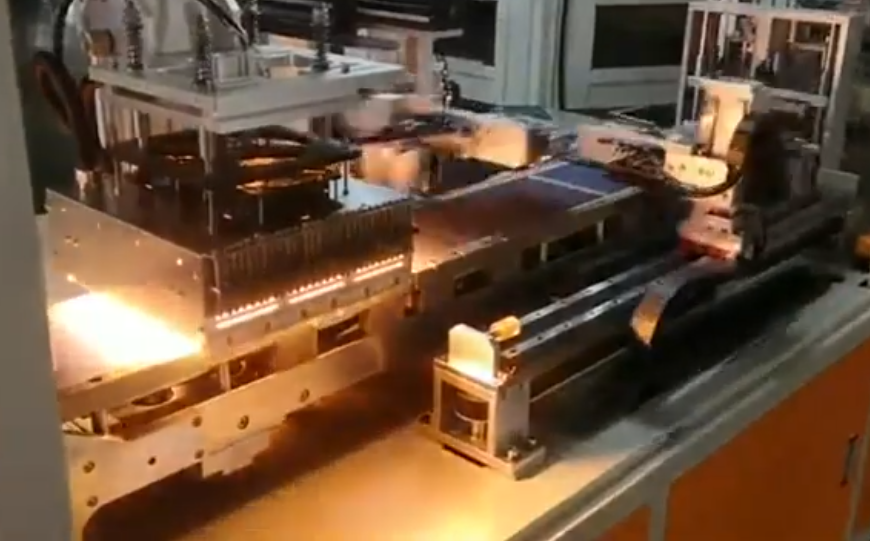
If you’ve ever set up a curing oven for PCBs or smartphone repairs, you know the drill. You bolt in the lamps, run a test board through, and then spend the rest of the afternoon hunting for cold spots. It’s a lot of guesswork. We’re done with that. Instead of playing “hot and cold” with expensive hardware, we’re using digital twins to map everything out before a single wire is even connected.
The headache of lamp positioning
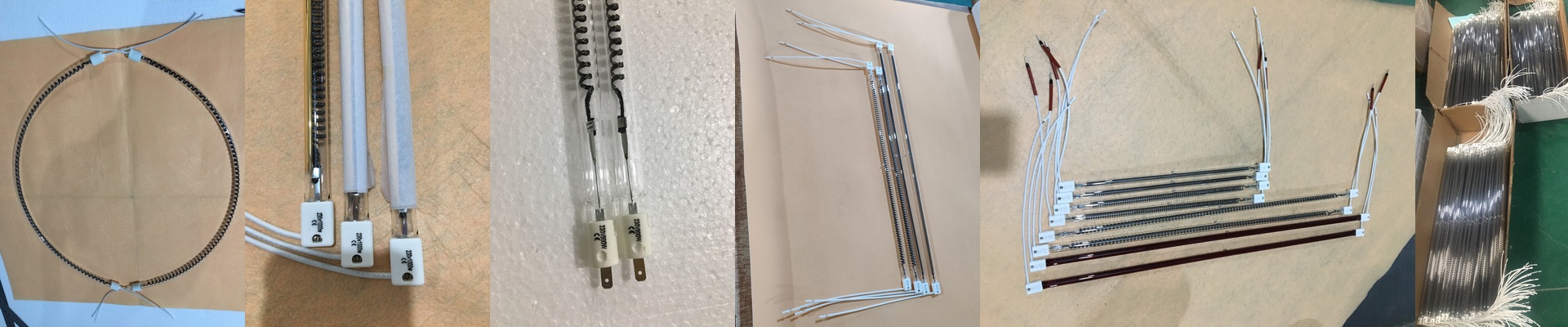
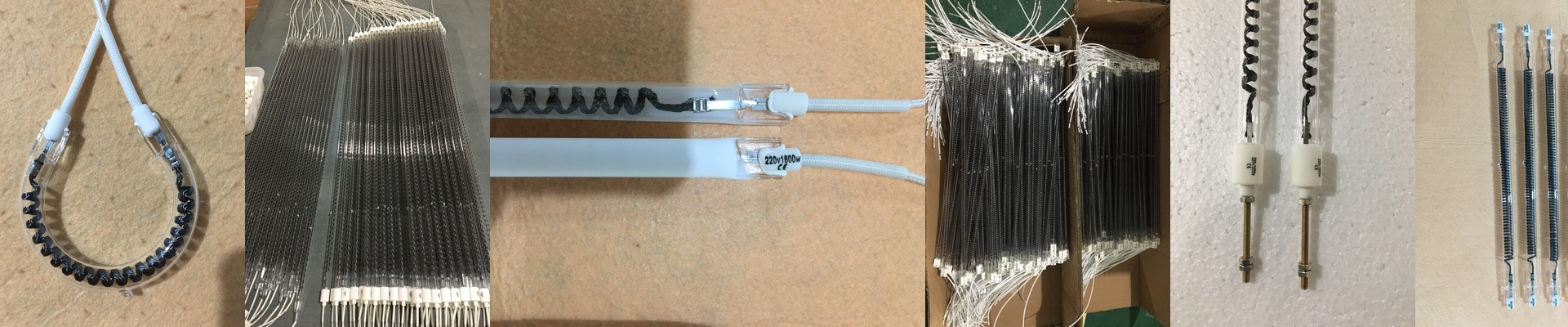
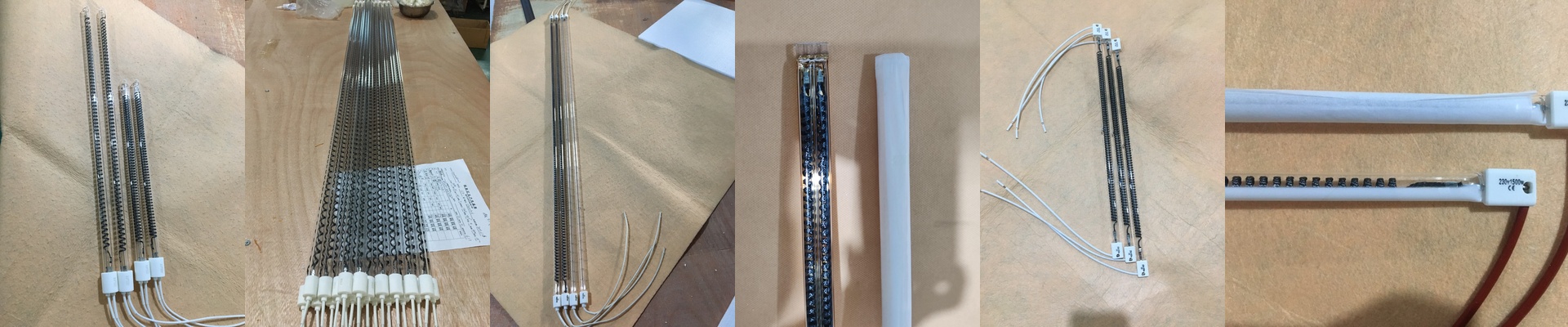
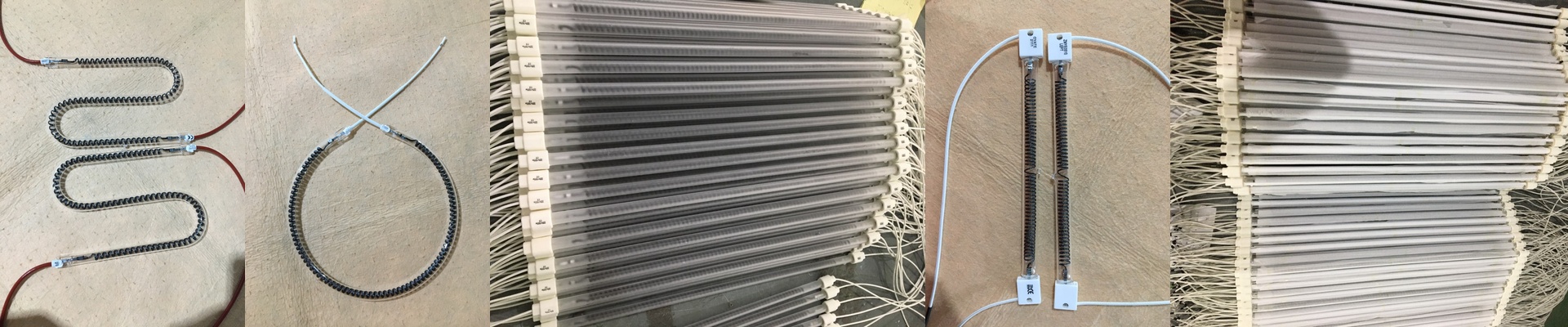
Getting the heat right is a balancing act. Put the lamps too close? You’ve just scorched your substrate. Too far? The adhesive stays gooey and your product fails. It’s a pain. That’s why we use simulation to map out the infrared radiation across the conveyor belt. We’re looking for those annoying “thermal dips”—the spots where the temperature drops just enough to ruin the cure. By playing with the wattage and distance in a virtual model, we can nail down the exact coordinates for every single mount.
Why virtual beats physical
Building a physical prototype just to test lamp angles is a slow, expensive nightmare. With a digital twin, you can tweak the overlap or shift an angle with a few clicks. You can speed up the conveyor to see how the heat soak actually hits the components without ever leaving your desk. No more lugging heavy brackets around the shop floor or cursing at a wrench. You get it right in the software first.
The reality check
Now, let’s be real: simulation isn’t a magic wand. A heat map can look perfect on a screen, but it doesn’t always know how your specific ventilation system breathes or how your lamps dim as they age. You’re still going to need a thermal camera to calibrate things once the oven is actually humming. And there’s the power issue. If you cram too many lamps into a tiny space to hit your temp targets, you’re going to put a massive strain on your power supply. Plus, your cooling fans will have to scream just to keep the oven chassis from warping. It’s all about finding that sweet spot.